
Support/Resources/I regenerated by mistake — how do I get my draft back?
I regenerated by mistake — how do I get my draft back?
Jul 6, 2026
Stage regenerations can overwrite writeups you already polished. Before major regenerations, SREDr can snapshot project versions so you can restore a previous draft instead of reconstructing it from memory.
How to use
- Open the claim → Submission.
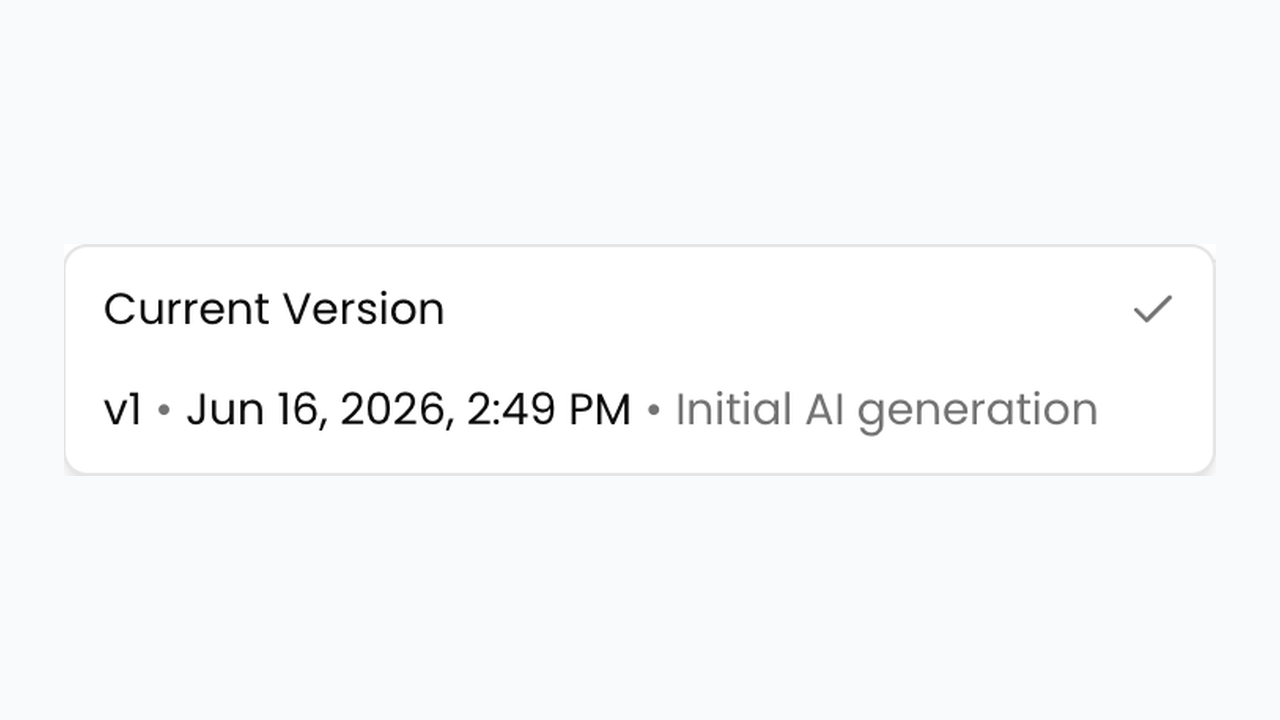
- Open the version / history control for the project you need to recover.
- Review available snapshots. Prefer the version labeled before the mistaken Write Submission Again, Group Again, or related regeneration.
- Select that version and click Apply Revision (compare against Current Version first if a diff view is shown).
- Re-read Lines 242/244/246 and citations to confirm the restored text is the draft you wanted.
- Continue editing from the restored version. If no useful snapshot exists, fall back to manual rewrite or a narrower regenerate with clearer Submission Writing Instructions.
Related
Next article
How do I make claims match our agency's writing style?