
Support/Releases/Stage-Specific Claim Regeneration Controls
Stage-Specific Claim Regeneration Controls
May 3, 2026
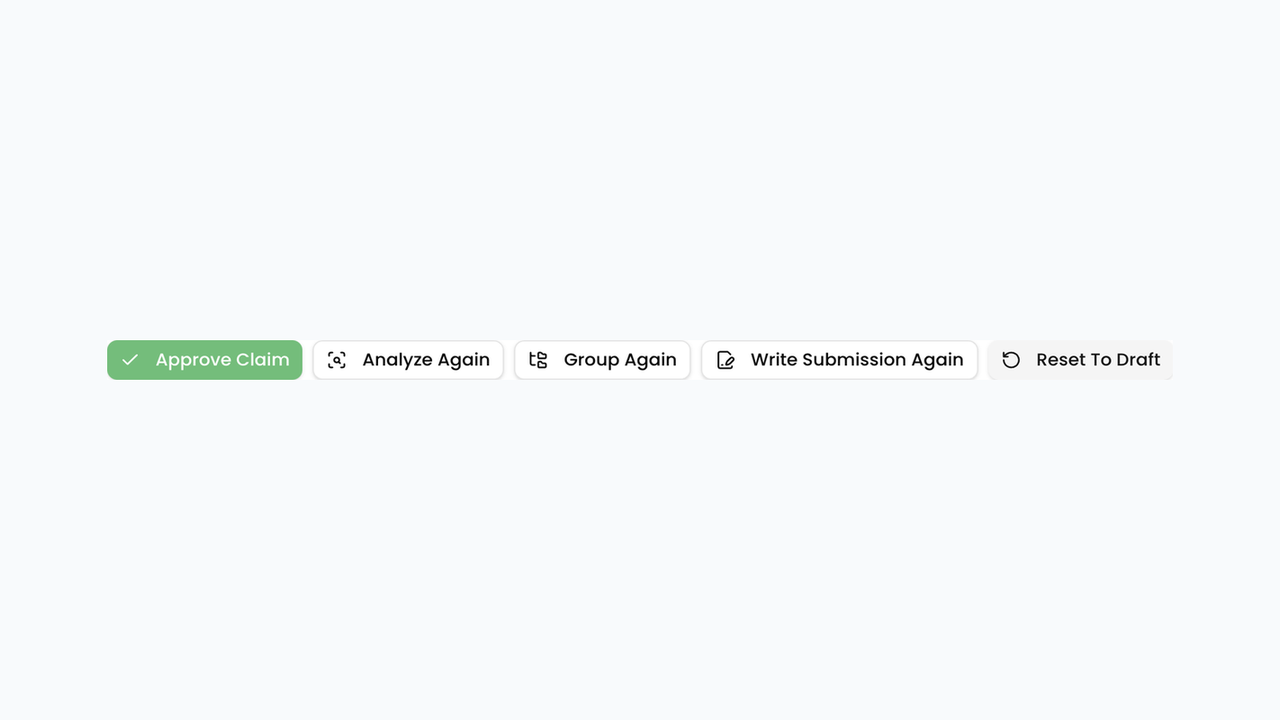
A single "Reset to Draft" action was replaced with stage-specific regeneration options: redo evidence gathering, redo analysis, redo grouping, or redo the submission write-up independently. Each option preserves work from stages that aren't being redone. This avoids the previous all-or-nothing reset, so correcting one stage of a claim no longer requires regenerating the entire pipeline from scratch.
How to use
- Open a claim that has progressed past draft.
- In the claim header actions, choose the stage you need to redo:
- Analyze Again — re-run eligibility analysis
- Group Again — rebuild projects from evidence
- Write Submission Again — regenerate narrative writeups
- Reset To Draft — full reset when you need to start over
- Confirm the dialog (and optionally edit stage instructions) before continuing.
- Wait for Claim Progress to finish, then review only the stages that changed.
Next article
Multi-Factor Authentication and Account Admin Role