
Support/Releases/Claim Project Version Snapshots and Recovery
Claim Project Version Snapshots and Recovery
Jul 14, 2026
The existing version history system was extended to snapshot all project and financial data automatically before a "Write Submission Again" action runs. Previously, this action could unintentionally erase existing project and financial data with no way to recover it. Now that work is always recoverable from version history, which is important given that submission rewrites are a routine part of the review cycle.
How to use
- Open the claim’s Submission tab.
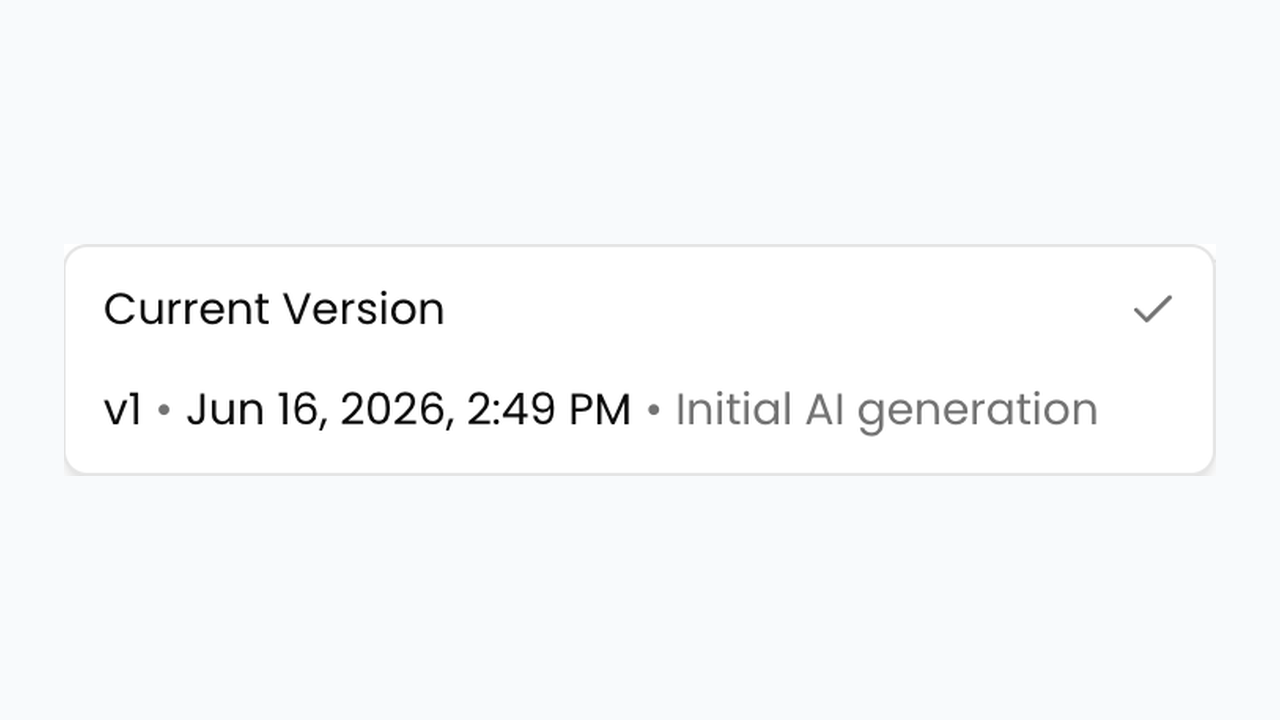
- Before regenerating, note the Current Version dropdown on each project.
- Click Write Submission Again and confirm — SREDr saves a pre-regeneration snapshot first.
- After the new writeup finishes, open the version dropdown.
- Select an earlier version (for example a pre-regeneration snapshot) to restore it if the new draft is not what you need.
Next article
AI Employee Name Merging for Timesheet Consolidation