
Support/Resources/How do I know where my claim is in the process?
How do I know where my claim is in the process?
Jul 15, 2026
Consultants juggle many claims at once. SREDr shows progress as a shared pipeline so you can see whether a claim is still gathering evidence, waiting on AI writing, or ready for your review—and what to do next.
How to use
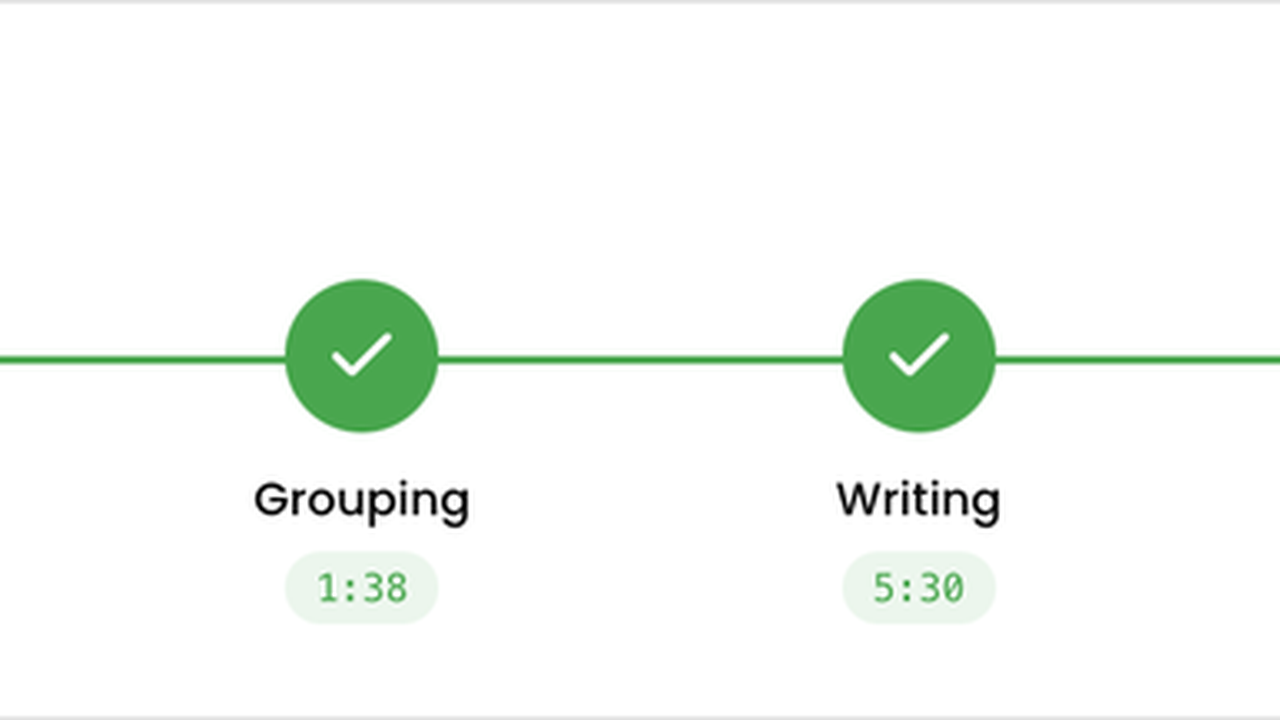
- Open the claim. The progress strip shows the current stage among Draft, Gathering, Analyzing, Grouping, Writing, Review, Ready, and Filed.
- Match the stage to your next action:
- Draft — connect Sources, then click Generate Claim.
- Gathering through Writing — wait for the job (or use Cancel if you need to stop a run). Use Retry Claim Generation if a stage fails.
- Review — edit Submission and Financials, then Approve Claim.
- Ready — package for filing; use File Claim when filed, or Return to Review if you need more edits.
- Filed — use Re-Open Claim only if you must reopen work.
- On Claims, use the status badge on each row for a quick portfolio view without opening every claim.
- Use claim tabs (Details, Sources, Evidence, Submission, Financials) for the work that belongs to that stage—sources before generate, evidence and submission during review.
Related
Next article
How do I start next year's claim from last year's work?