
Support/Resources/How do I prepare a client's claim from start to finish?
How do I prepare a client's claim from start to finish?
Jul 16, 2026
When a client engages your agency for a new fiscal year, you need a clear path from empty claim to filing-ready package. SREDr is built for that journey: create the claim, connect evidence sources, run the pipeline, then finish the Submission and Financials yourself before you approve.
How to use
- Open Claims and click New Claim (or Create New Claim from the dashboard).
- Select the Account (or create one), set Start Date and End Date for the claim period, confirm the auto-generated Name, then click Save.
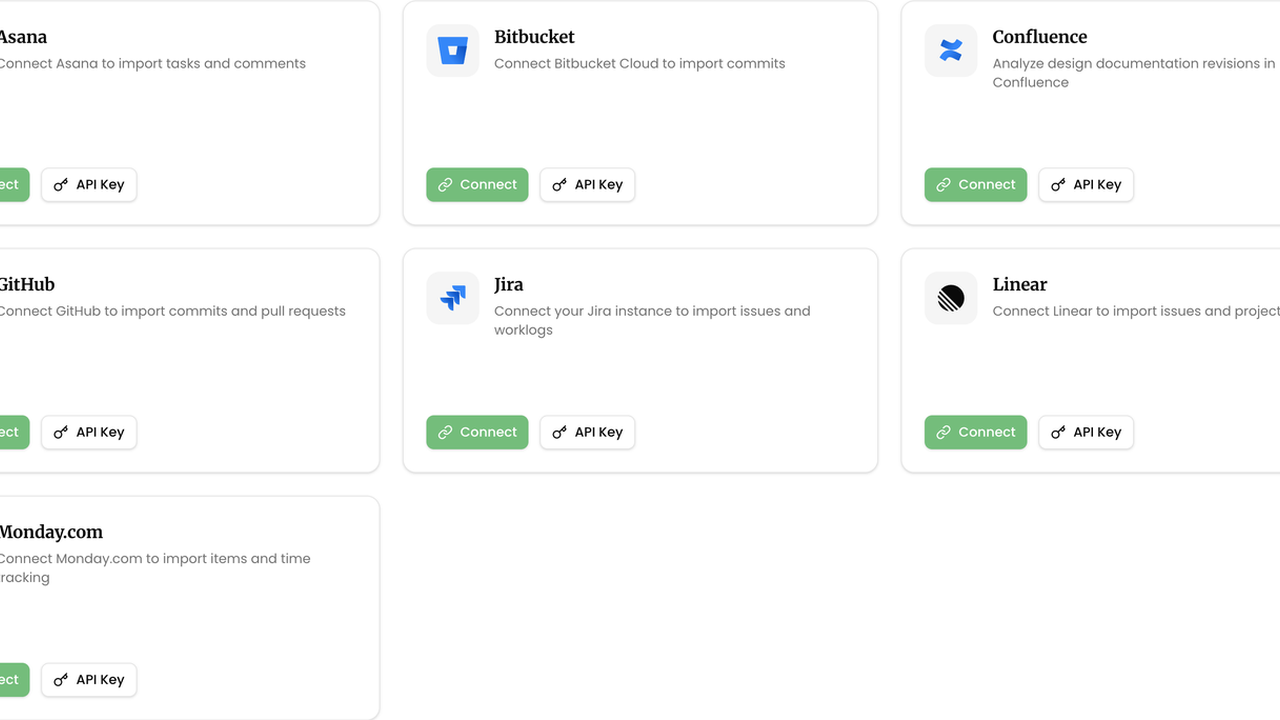
- On the claim, open Sources. Connect the client's tools with Connect (OAuth) or API Key, and/or use File Upload for timesheets and documents.
- From the claim header, click Generate Claim. Watch the pipeline move through Gathering, Analyzing, Grouping, and Writing until status is Review.
- Open Submission. Review each project's Line 242 / 244 / 246 text, use Copy or Copy All Projects when drafting the T661, and revise where needed.
- Open Financials. Confirm Province, CCPC, employee hours and salaries, then use the estimate as a check against your worksheets.
- When the narrative and numbers look right, click Approve Claim. Status becomes Ready; file when your packaging is complete.
Related
Next article
How do I know where my claim is in the process?