
Support/Resources/How do I start next year's claim from last year's work?
How do I start next year's claim from last year's work?
Jul 14, 2026
Most agencies roll work forward each fiscal year. Cloning avoids rebuilding projects and writeups from scratch, while still letting you refresh evidence and dates for the new period.
How to use
- From Claims, open last year's claim, or use the row Clone claim action.
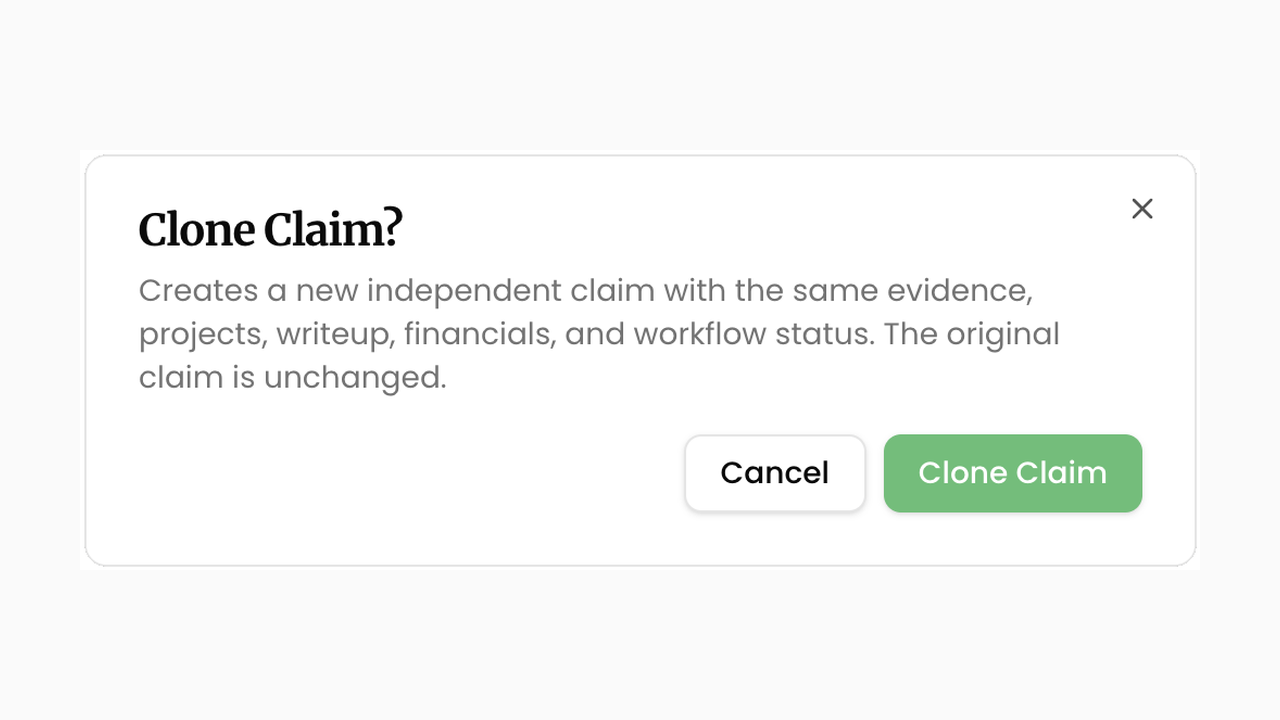
- On Details, click Clone Claim, read the confirmation, then confirm Clone Claim. SREDr creates a new independent claim with the same evidence, projects, writeup, financials, and workflow status. The original is unchanged.
- Open the clone → Details. Update Start Date and End Date to the new fiscal period (clone keeps the previous dates until you change them). Adjust the Name if needed.
- Decide what to refresh:
- If client tools changed or the period is new, open Sources, confirm connections, then use Generate Claim Again or stage redo actions when you need fresh evidence and writing.
- If last year's narrative is a strong starting point, keep the cloned writeup and revise on Submission instead of regenerating everything.
- Review Financials for the new year (hours, salaries, province/CCPC) before you approve.
Related
Next article
How do I pull evidence from my client's tools?