
Support/Resources/How do I pull evidence from my client's tools?
How do I pull evidence from my client's tools?
Jul 13, 2026
Strong SR&ED files start with the systems where the work already lives. SREDr connects to common engineering and project tools so gathering can pull tickets, commits, docs, and tasks into the claim instead of asking the client for a one-off export.
How to use
- Open the claim → Sources.
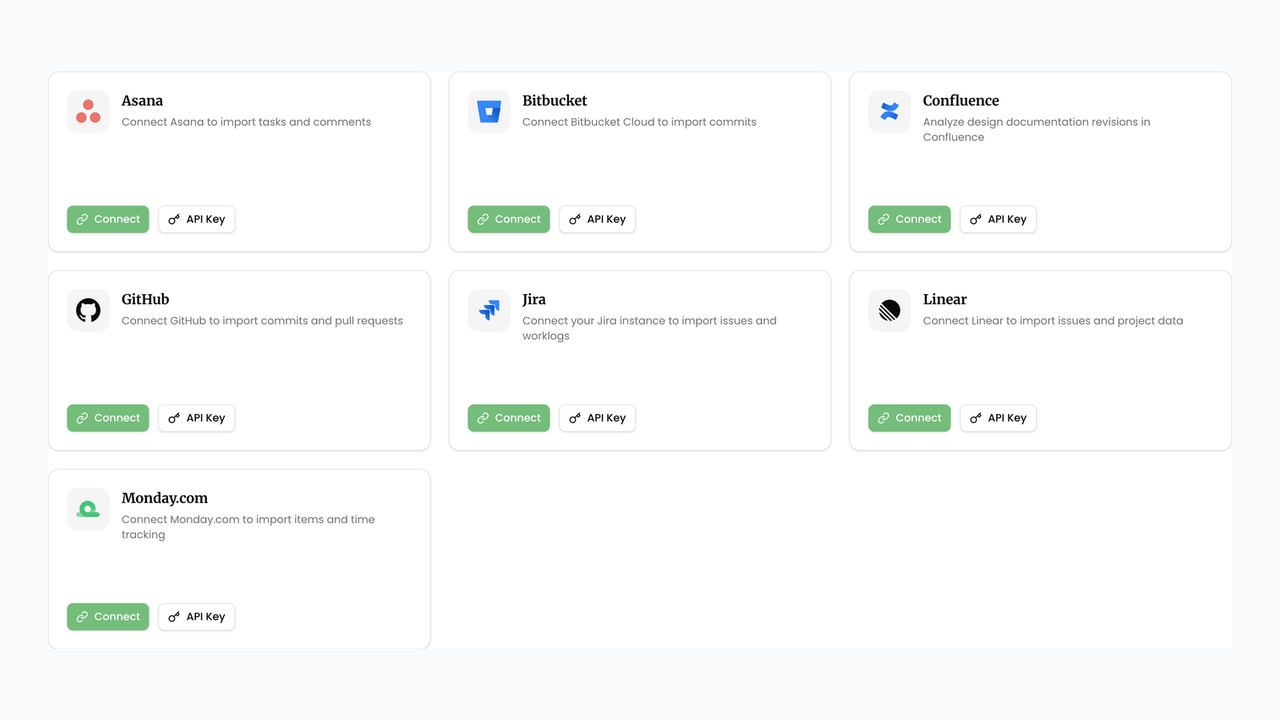
- Pick the client's tool card (Jira, Linear, GitHub, Bitbucket, Confluence, Monday.com, or Asana).
- Prefer Connect when the client can authorize OAuth in the browser. Use API Key when they provide a token, PAT, or app password (for example GitHub PAT or Bitbucket username + app password).
- After connecting, use Test Connection if available, then Configure to scope the right projects, spaces, or repositories.
- When sources look right, return to the claim header and run Generate Claim (or continue an existing pipeline) so Gathering can pull evidence for the claim period.
- If a connection breaks later, use Fix Connection on the source card and re-test before regenerating.
If the client uses a tool we do not support yet, contact support and ask us to add a connector — we prioritize integrations that unblock agency claim work.
Related
Next article
How do I add timesheets and documents as evidence?