
Support/Releases/Support Center with How-To Resources
Support Center with How-To Resources
Jul 16, 2026
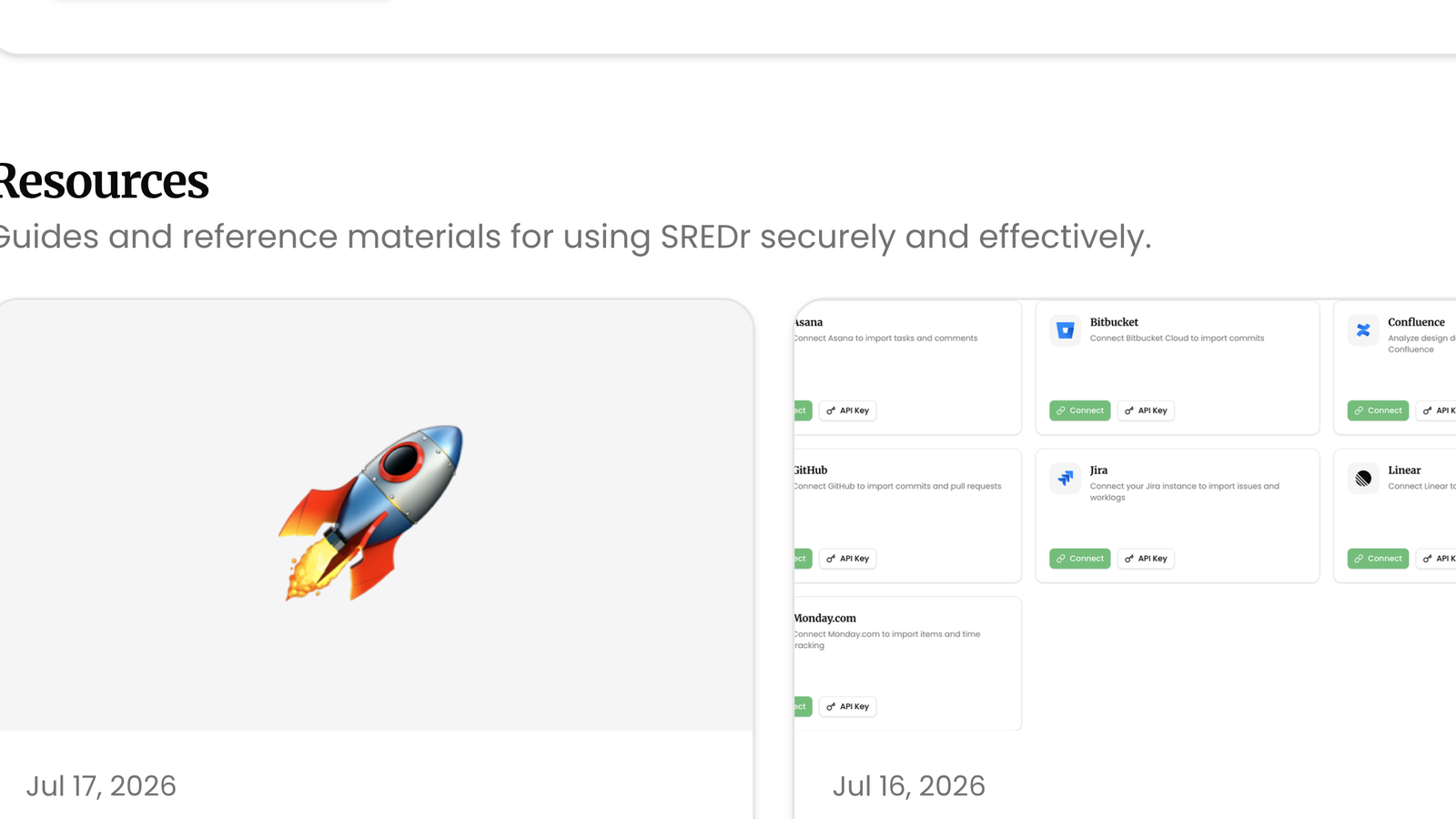
SREDr now includes an in-app Support page so consultants can get help without leaving the product. From one place you can message the team, browse question-led How-To guides for everyday claim work, and catch up on the latest product releases.
How to use
- Open Support from the sidebar.
- To reach the team, fill in Subject and Message under Contact support, then click Send message. Name and reply-to email are prefilled from your account.
- Under Resources, open a How-To card (for example preparing a claim, revising a submission, or securing access). Click View all to search the full library.
- Under Latest releases, skim the three newest product updates, or click View all for the complete release history.
- From any article, use Related links to jump between How-Tos and the release notes that introduced a feature.
Related
Next article
Custom AI Writing Standards