
Support/Resources/Who should have access, and how do I keep accounts secure?
Who should have access, and how do I keep accounts secure?
Jul 1, 2026
Claim data is sensitive. Give agency staff the right internal roles, invite client collaborators only where they need to connect systems, and turn on multi-factor authentication so accounts stay harder to compromise.
How to use
- Open Users (agency admins) to invite staff with Invite User. Choose a role that matches the job:
- Agency Admin — manage the agency, users, and claims.
- Agency Consultant — prepare and revise claims.
- Account Admin / Account Contributor — client-side access as appropriate.
- For a specific claim, open Details → Invite Contributors when a client contact should connect sources. Use Send Invitation (Send via Email or Send Manually), then track the Contributors table (resend or revoke as needed).
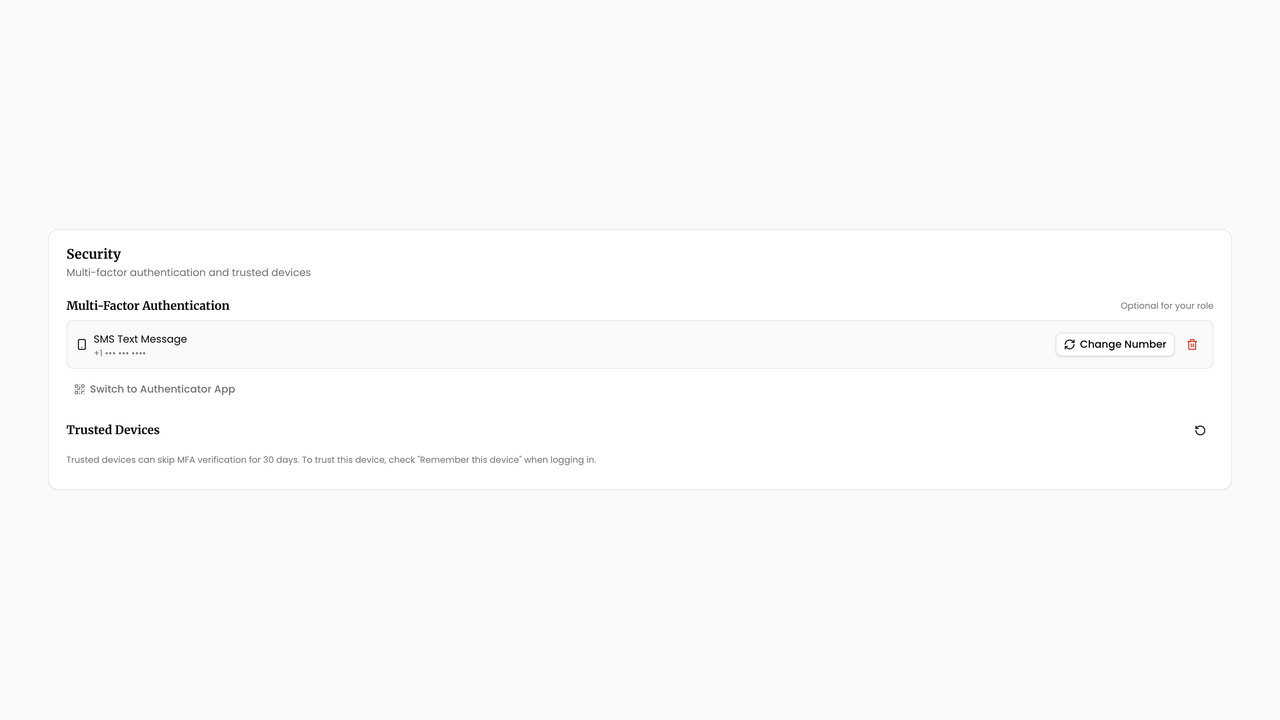
- Ask every user with claim access to enable MFA under Settings → Personal → Security → Multi-Factor Authentication (authenticator app or SMS).
- Agency admins can set policy under Settings → Agency → MFA Requirements so selected roles must use MFA, then Save.
- Review access periodically: revoke unused contributor invites and disable accounts that no longer need SREDr.
Related
Next article
SREDr Security White Paper